Packing up a smart home takes more planning than unplugging a lamp. Your thermostat, cameras, doorbell, and smart lock are tied to Wi-Fi, app accounts, and sometimes the wiring of the house you’re leaving. Take one down too early, and you can lose access, lose parts, or leave the old place without working heat.
This smart home moving guide covers what to take, how to disconnect and pack each device, and how to get everything running again.
Quick answer: Confirm which devices are yours, photograph wiring and mounts, remove each device from your account while it’s online, bag its parts together, and set up the internet before anything else at the new home.
Smart Home Moving Guide: Which Devices Should You Take Or Leave?
Plug-in devices usually move with you. Anything mounted or hardwired may count as part of the property, depending on your purchase agreement or lease.
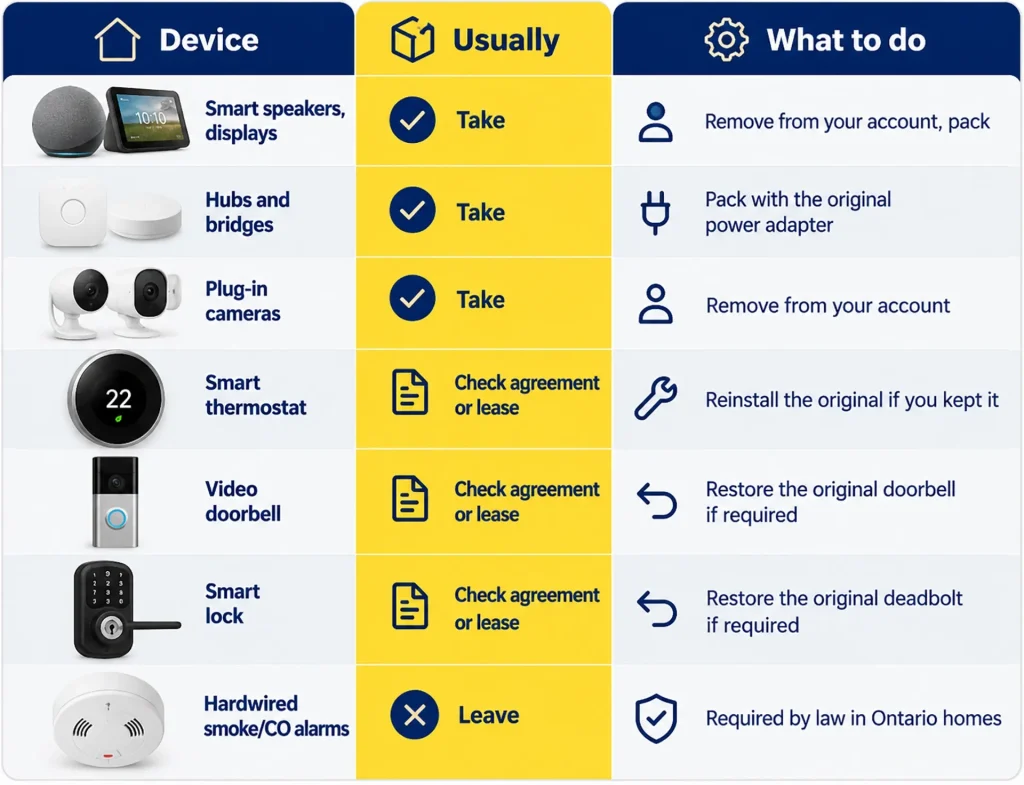
If you replaced a thermostat, deadbolt, or doorbell with a smart version, find the original now. Reinstalling it lets you take the smart one and leave the home as agreed.
Leave smoke and carbon monoxide alarms where they are. Ontario requires a working smoke alarm on every storey, and CO alarms near sleeping areas in homes with a fuel-burning appliance, fireplace, or attached garage.
How Do You Disconnect A Smart Thermostat When Moving?
To disconnect a smart thermostat on moving day, work in this order:
- Check the new home’s heating system before deciding to bring the thermostat.
- Remove the thermostat from your app account so it’s free to register to a new one.
- Switch off the furnace or heat pump at its breaker or service switch.
- Photograph the wiring with terminal labels visible, including any jumper wire between Rc and Rh.
- Tag each wire with its terminal letter, and note whether a heat pump uses O or B.
- Bag the thermostat, base plate, and screws together.
- Reinstall the original thermostat if the home requires one, then test heating and cooling.
Check For A C-wire. Most smart thermostats need a common (C) wire for steady power, and many older homes don’t have one. Without it, the thermostat may keep rebooting or not power on. Some models ship with an adapter; otherwise, an HVAC technician can add the wire.
Moving To Baseboard Heat? Many Canadian apartments and condos use electric baseboard heaters on line voltage, usually 240 volts. A standard smart thermostat won’t work on them and can be damaged, but line-voltage models such as Mysa and Sinopé are built for them. Leave line-voltage work to a licensed electrician.
Moving With Security Cameras, Doorbells And Smart Locks: What Should You Do First?
Start with access, not hardware. Security devices carry accounts, access codes, footage, and often your address, so the real risk is someone keeping a view into your life after you leave.
Cameras. When moving with security cameras, remove each one from your account before it comes down, and pause motion alerts for moving day. After setup, redo the angles and privacy zones; a camera aimed at your old driveway may now face a neighbour’s window.
Video doorbells. Check whether the doorbell stays with the home. If it’s hardwired, switch off the breaker first. Many video doorbells also need a small power kit installed inside the chime box; remove it when you restore the original doorbell, or the chime may not ring.
Smart locks. Delete guest codes and extra users. If you take the lock, reinstall the original deadbolt and leave its keys. At the new home, rekey or replace the locks, since you can’t know who still has copies.
Monitored alarms. Call your provider before moving day to arrange a transfer or cancellation, and follow their test-mode instructions. After the move, update your address in the app and with the monitoring company, so emergency dispatch goes to the right home.
How To Move Smart Home Devices Without Damaging Them
Most smart-home moving damage is a missing mounting plate, a lost adapter, or a leaked battery, not a cracked screen. Knowing how to move smart home devices comes down to keeping every part together:
- Put each device’s screws, plate, and cable in one labelled zip bag.
- Pack hubs with their own power adapters, since generic ones may not match.
- Take out removable batteries and tape over loose terminals.
- Wrap each device, and keep electronics in light boxes away from heavy cartons.
- Carry hubs, cameras, and other small, costly items in your car.
Moving In Winter? Let electronics that rode in a cold truck warm to room temperature for a few hours before plugging them in. Condensation inside a cold device can damage it. More in our winter moving checklist.
Check Your Coverage Too. Economical Movers includes basic coverage at $0.60 per pound. That adds up to very little for light electronics: a 1 lb smart hub would be covered for about $0.60. Ask about enhanced coverage if you’re moving expensive devices.
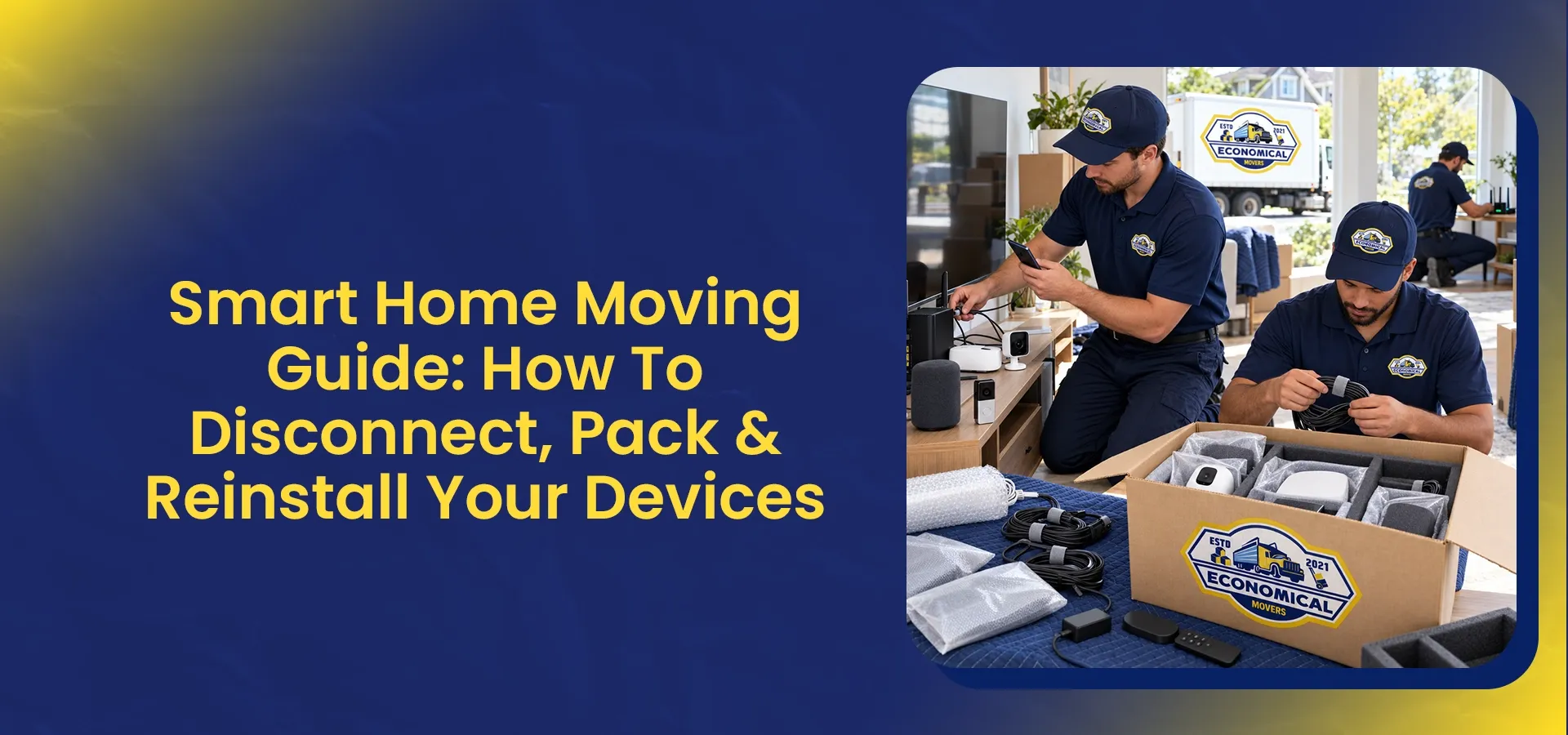
How Our Crew Handles It: with your permission, we disconnect and remount smart devices, check that each one works, and show you before it’s packed. Our packing services can take care of the rest.
What’s The Right Order To Reinstall Your Smart Home?
Book internet installation as soon as you have a move date, and keep a phone hotspot as a backup.
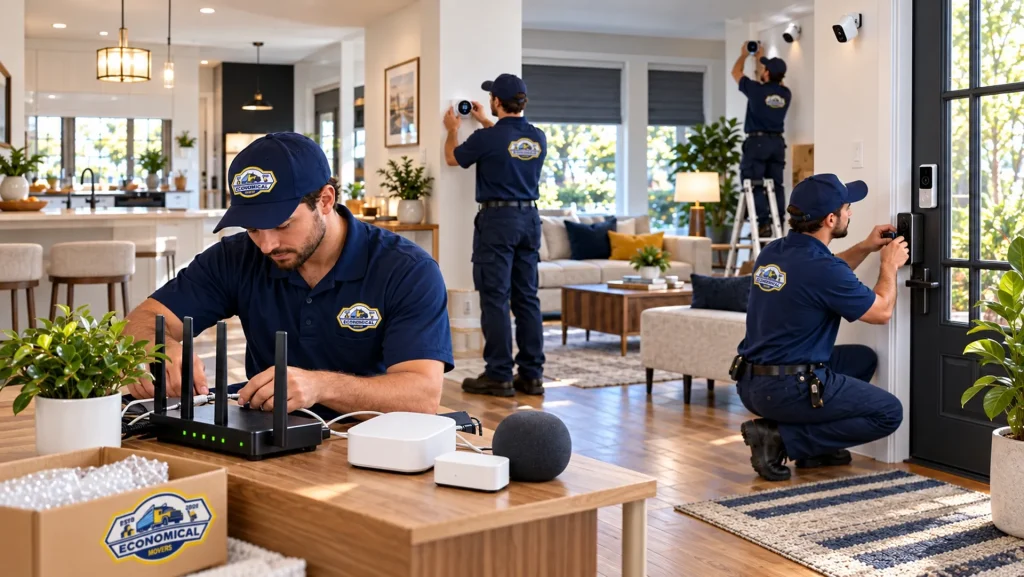
- Router. Devices reconnect on their own only if the network name, password, and security type match your old ones. A new router set to WPA3-only can lock out older devices.
- Hubs and bridges. Set up Philips Hue, SmartThings, or similar so the devices behind them come back online.
- Thermostat. Install it once you’ve confirmed the heating system and C-wire.
- Locks and doorbells. Create new access codes.
- Cameras. Mount, then reset angles and privacy zones.
- Automations. Update your address, schedules, and location-based routines.
If a device won’t reconnect, check power, then whether it needs a 2.4 GHz network (mesh routers that combine bands can block setup), then which account it’s registered to. Factory-reset it only after those checks.
What Should Renters And Homeowners Check Before Leaving A Smart Home?
Homeowners: Check which devices your purchase agreement includes, and remove your accounts and codes from any that stay.
Renters: Return landlord-owned devices and restore original fixtures. Get written permission before removing anything supplied with the unit.
Couples and families: Agree who owns each account and subscription, and which are being moved, cancelled, or recreated.
Before Moving Day: Make A Smart-Home Inventory
A written list of your devices saves guesswork at the new place. For each one, note:
- where it was installed, and whether it’s staying or going;
- its model number and the app it uses;
- the email address of the account it’s registered to;
- any subscription or monitoring plan tied to it.
In bilingual households, write the list, Wi-Fi details, and door codes in each person’s preferred language.
Want To Move To A Smart Home?
The Economical Movers crew can disconnect, move, and remount your smart devices during a local move or residential move. Call +1 (343) 292-5550 or request a free moving quote.